Create OpenAPI Specification (OAS)
Bruno provides a powerful interface for creating and managing OpenAPI Specifications (OAS). You can either design a new specification from scratch and view one as existing Open API spec.
Viewing Existing OAS Files
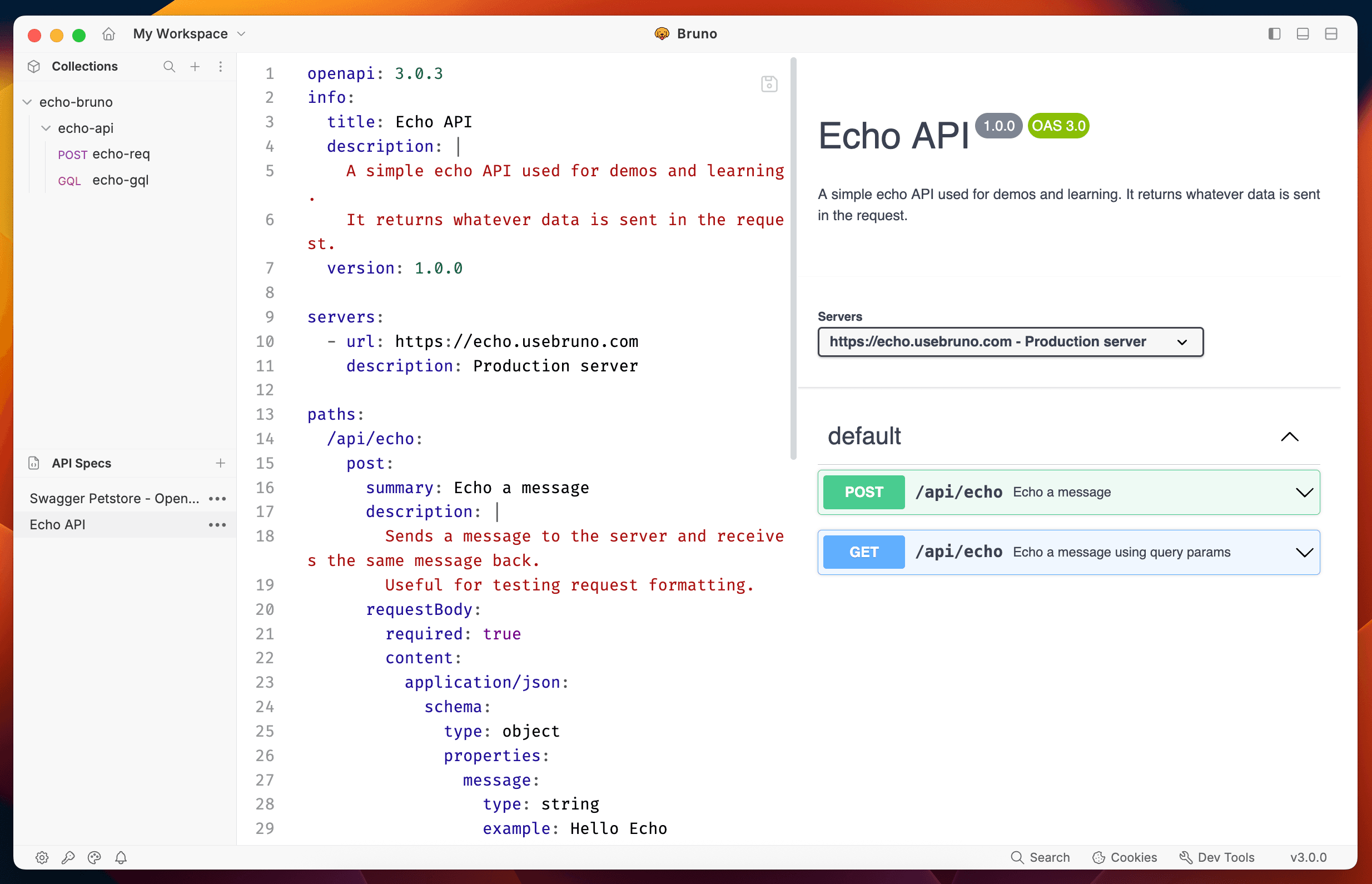
You can view and interact with existing OAS files in Bruno using a SwaggerUI-like interface:
- Enable OpenAPI Spec feature from Preferences to start working with it.
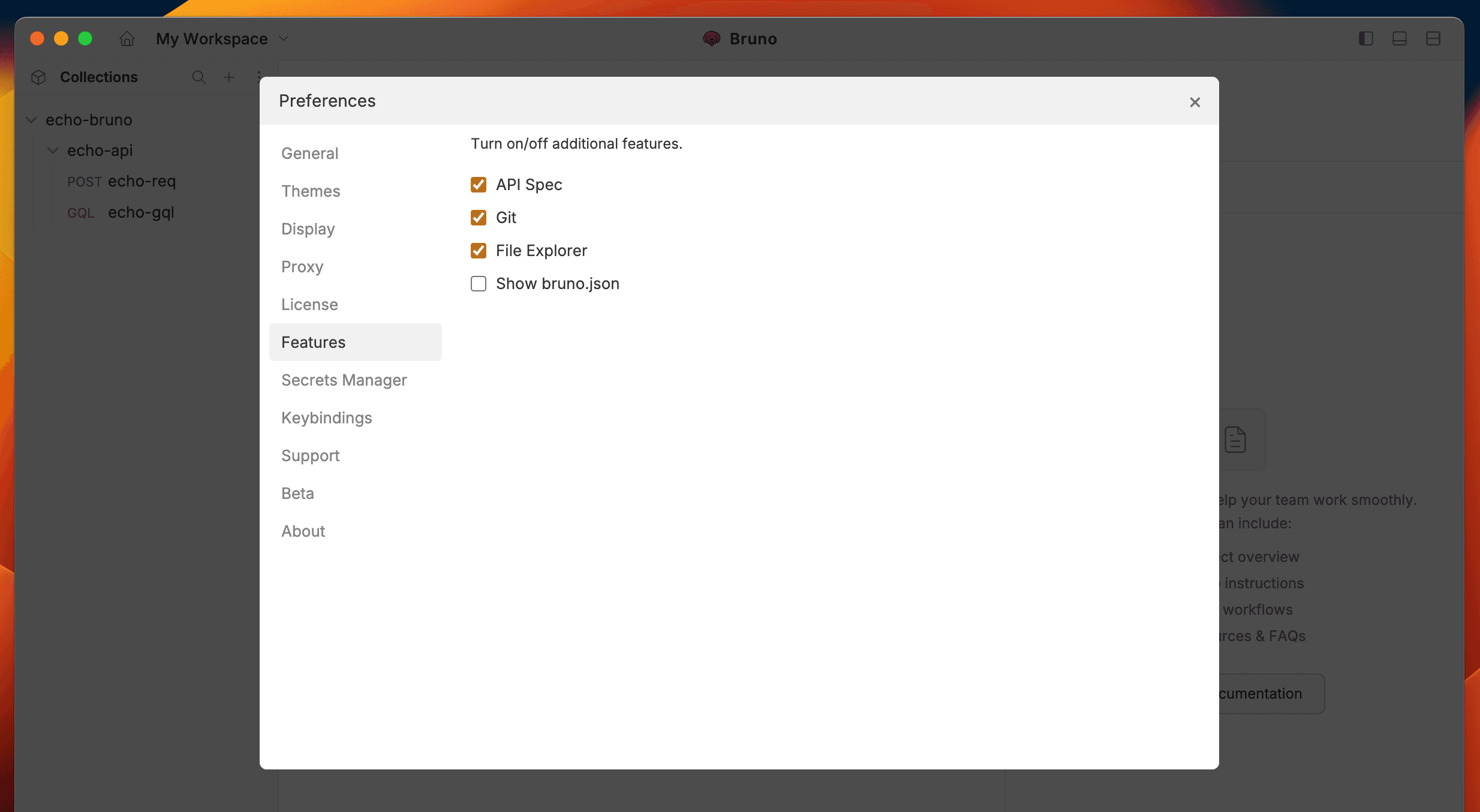
- Select Open API Spec from dropdown in left hand side menu.
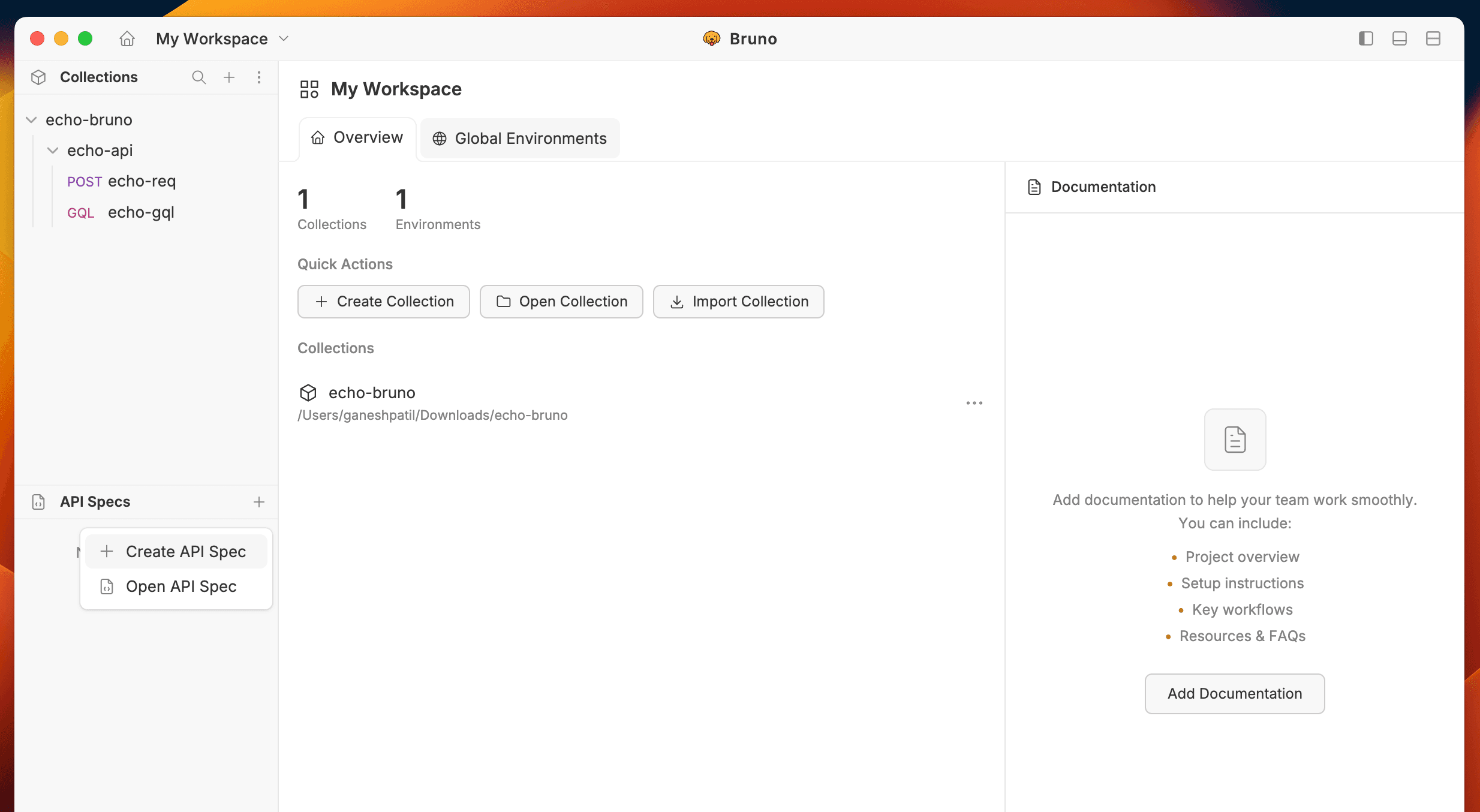
- Browse and select your OAS file (
.yamlor.json) - The specification will open in a dedicated section of your Bruno sidebar
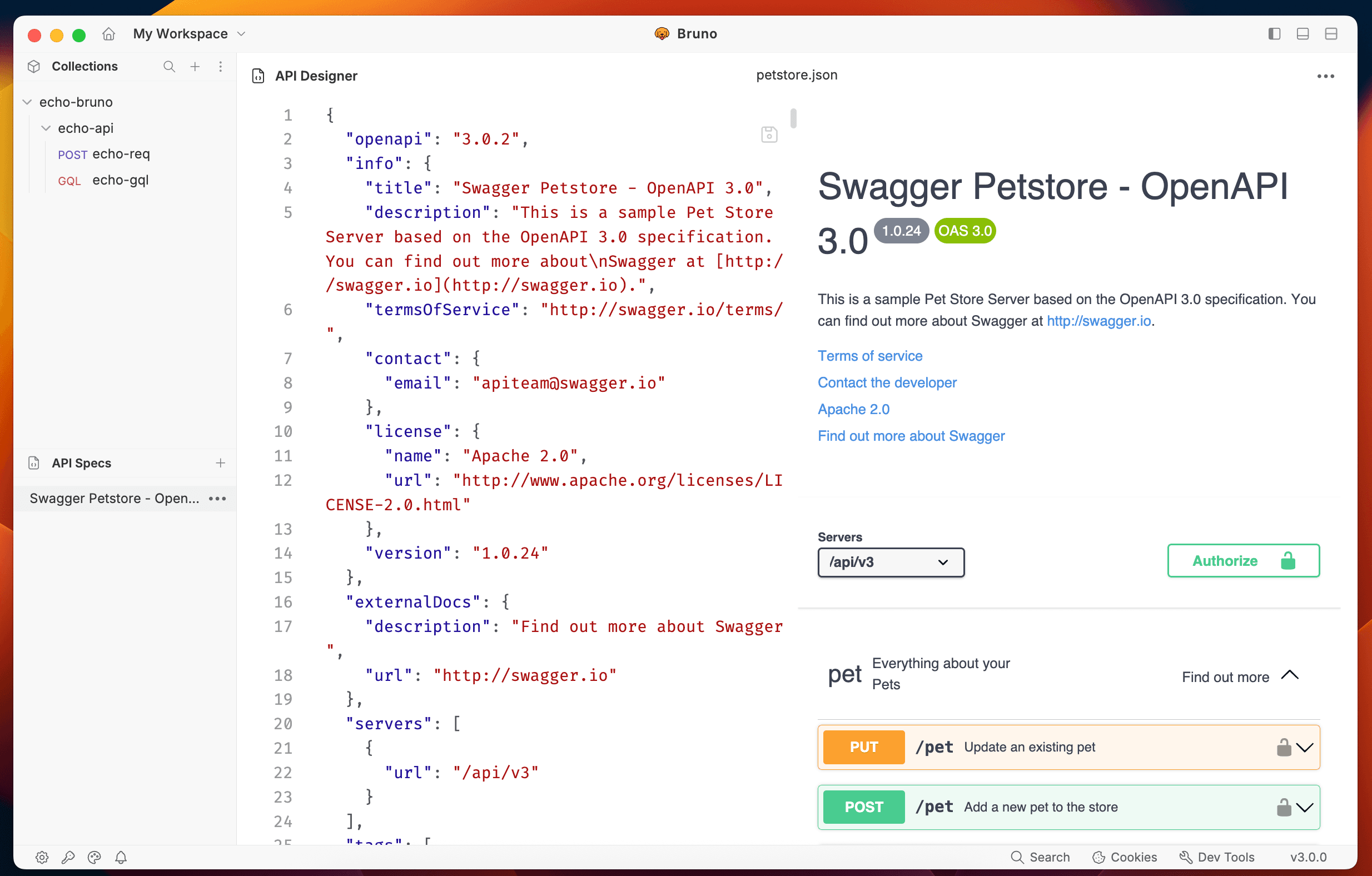
Creating New OAS Files
- Select Create API Spec from dropdown
- Choose a name and location for your specification
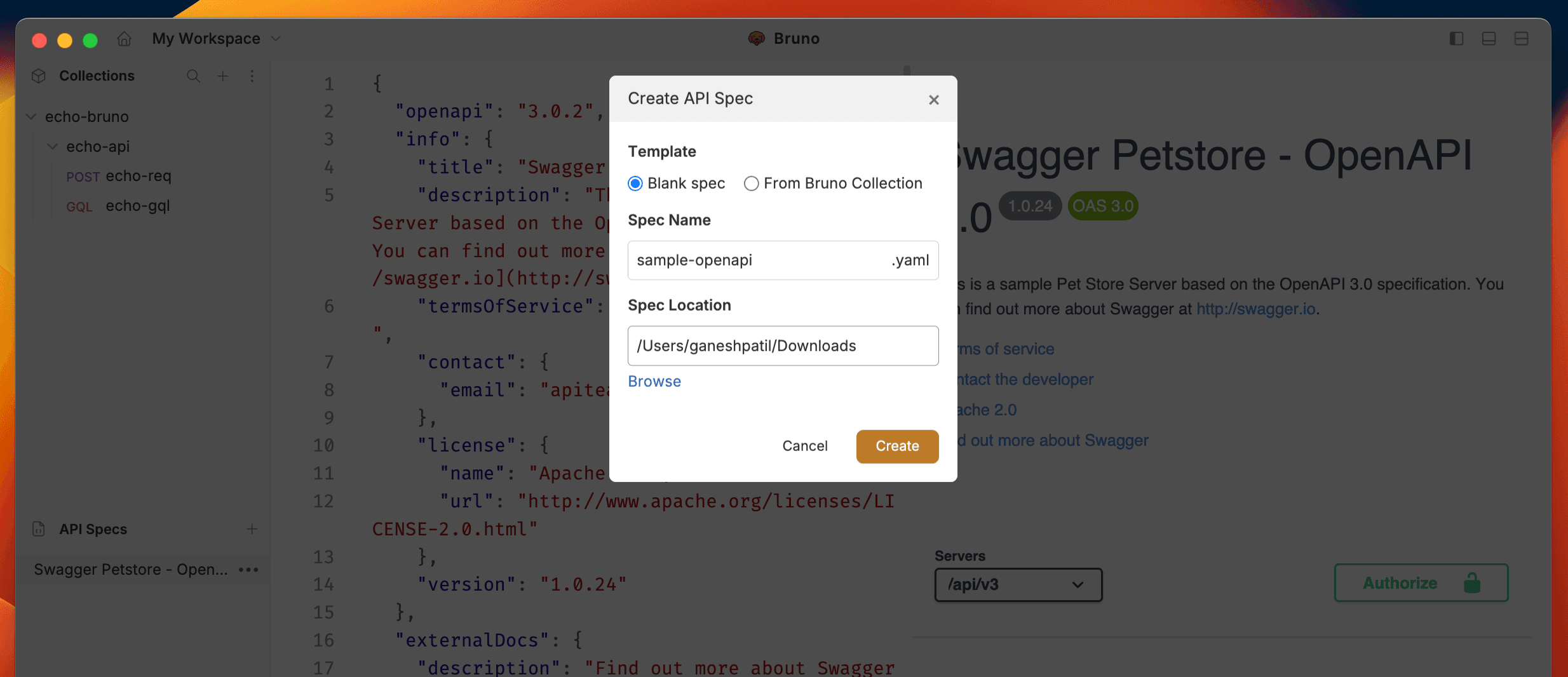
- Click on Create to generate OAS file.
Editing Your OAS File
Once created, you can edit your OAS file in Bruno’s built-in editor:
- The editor provides syntax highlighting
- Use the sidebar to navigate through different sections of your API
- Add or modify endpoints, parameters, and responses
- Include examples and descriptions for better documentation
Last updated on